Welcome to PrintAnywhere —your one-stop solution for hassle-free and efficient printing! Follow this guide to understand how to use our app for seamless printing anytime, anywhere.
Step 1: Upload Your File
Supported Formats :
You can upload PDFs, JPGs, and PNGs
How to Upload :
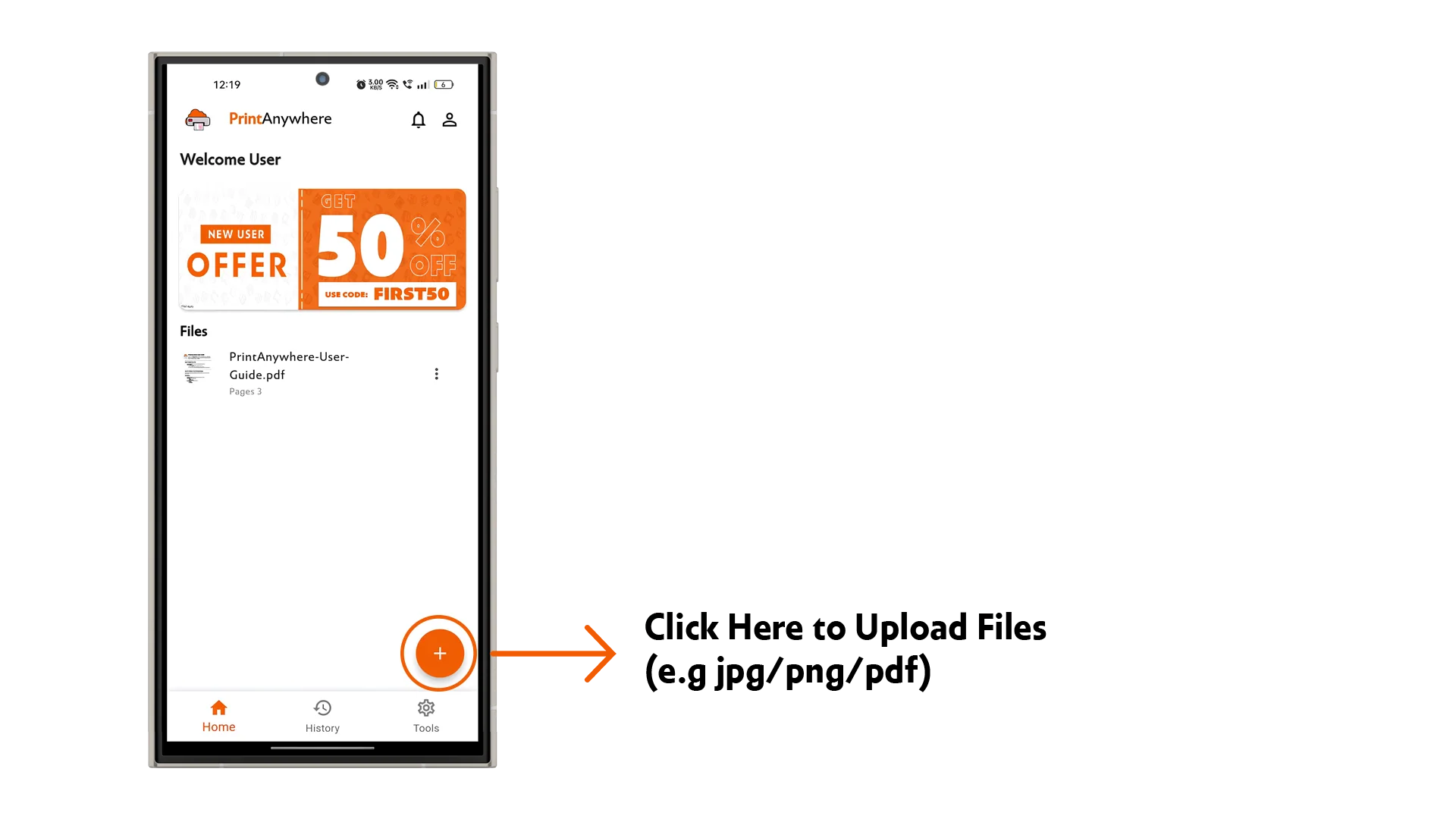
Tap the Upload button on the home screen.
Select your file from your device or cloud storage.
Preview your file once uploaded to ensure everything looks perfect.
Step 2: Configure Your Printing Settings
After uploading your file, you can customize the printing settings to match your requirements:
Basic Settings :
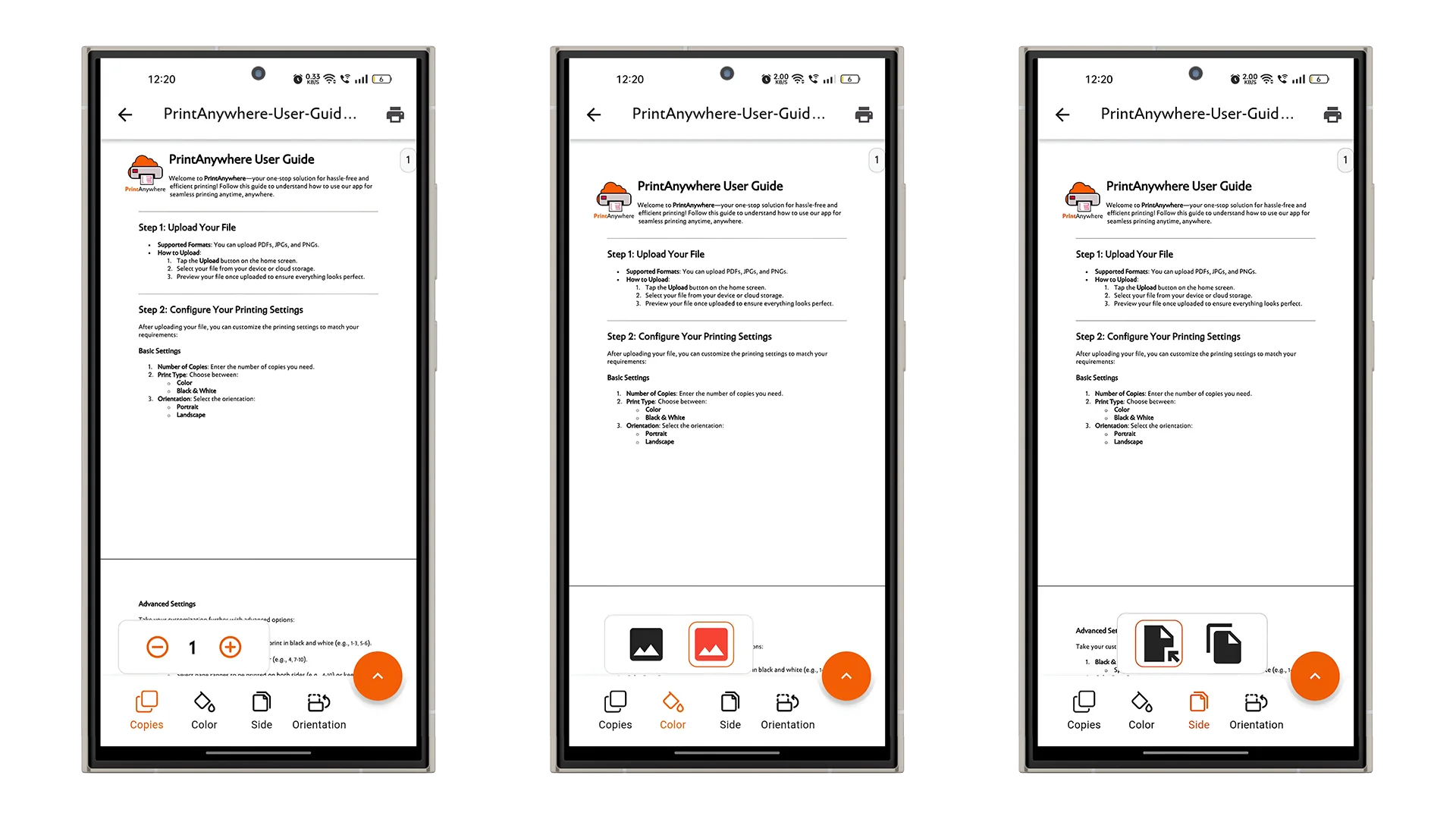
Number of Copies: Enter the number of copies you need.
Print Type: Choose between:
- Color
- Black & White
Orientation: Select the orientation:
- Portrait
- Landscape
Advanced Settings
Take your customization further with advanced options:
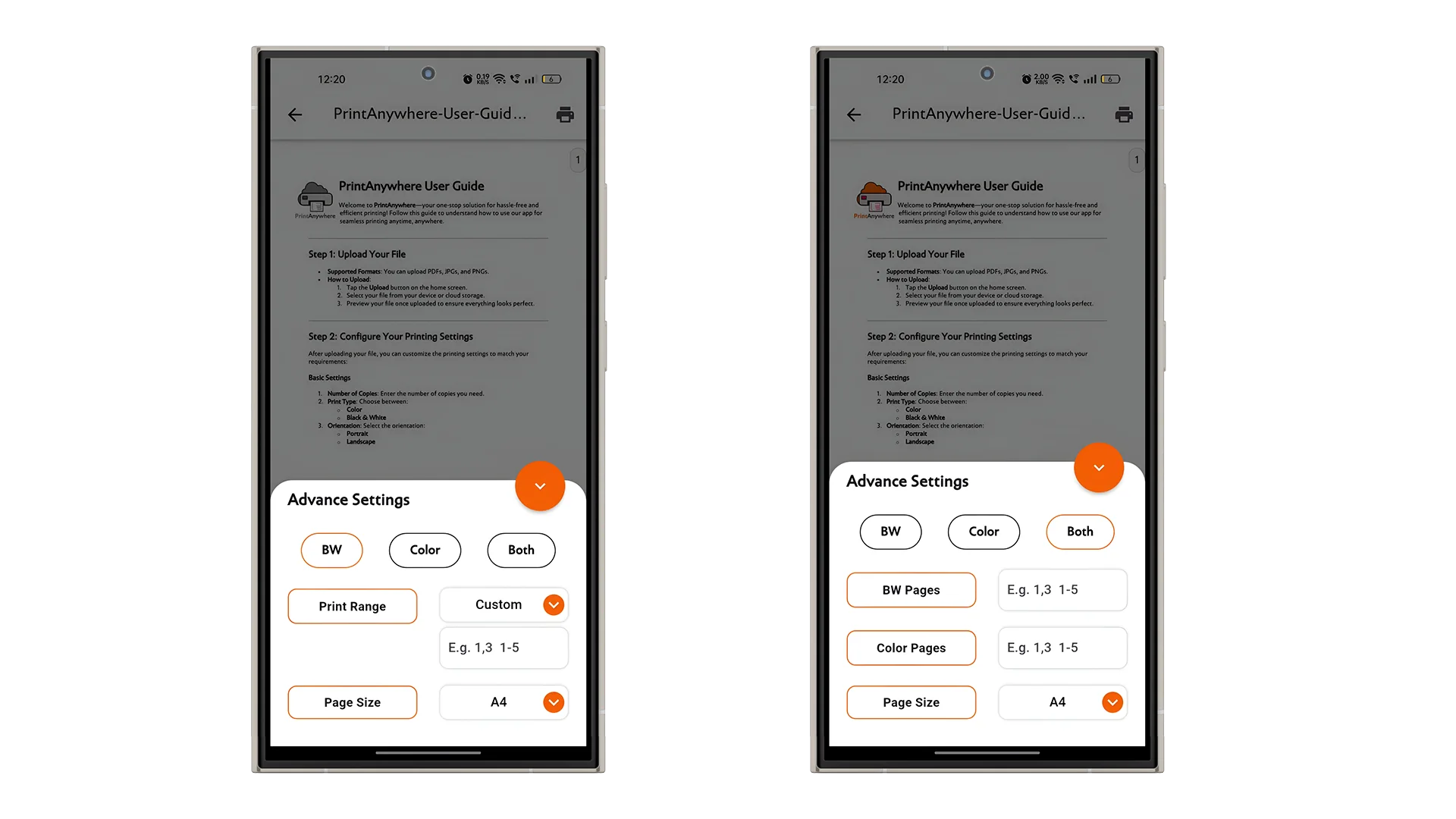
Black & White Page Range: Specify page ranges you want to print in black and white (e.g., `1-3, 5-6`).
Color Page Range: Select pages to be printed in color (e.g., `4, 7-10`).
Double-Sided Printing: Select page ranges to be printed on both sides (e.g., `4-10`) or keep specific pages single-sided (e.g., `1-3`).
AI Assistance *(Optional)*: Enable the AI feature to automatically detect and configure color and black-and-white pages for your document. Save time and ensure optimal settings with this smart option.
Step 3: Review and Finalize
Before printing, review all settings:
- Ensure the selected page ranges and configurations are accurate.
- Use the Preview option to confirm the print layout and ensure no pages are missed.
Step 4: Scan and Print
Find a PrintAnywhere Partner :
- Visit a PrintAnywhere partner shop.
- Locate the QR Code at the printing station.
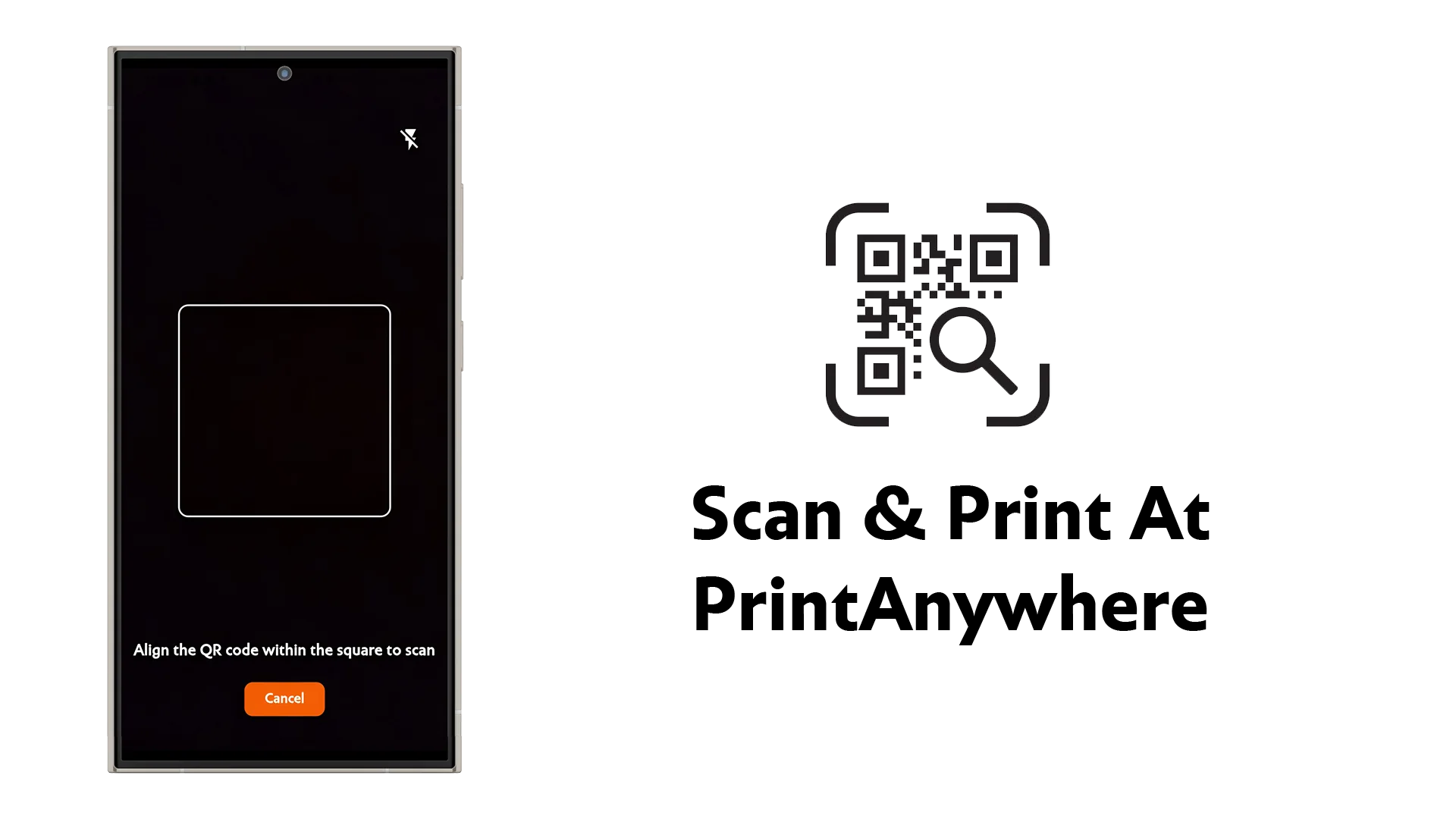
Scan the QR Code :
- Use the app’s QR scanner to connect to the printing device.
Payment :
- Pay securely through the app using your preferred payment method.
Start Printing :
- Once payment is confirmed, printing will start immediately.
- Collect your desired printouts from the partner shop.
Contact Support
Need help? Reach out to us anytime through the Help & Support section in the app or email us at support@printanywhere.in.
Start your effortless printing journey with PrintAnywhere today! 🎉