Upload now.It's printed beforeyou reach the shop.
We accept print from anywhere
Send a PDF or photo to a xerox shop near your college, pay by UPI and collect it with your order number.
- 4.8★rating on Google Play
- 2.8 lakhpages printed so far
Four steps, nothing to explain at the counter
The same order flow on this site and in the app. Your settings travel with the file, so the shop prints exactly what you chose.
- 1
Upload
PDFs or photos from your phone or laptop. Nothing is forwarded on WhatsApp or copied to a pen drive.
- PDF, JPG, PNG
- Up to 15 files
- 50 MB each
- 2
Set it up
Choose how each file prints and check the preview before you pay. The shop prints exactly what you chose.
- Copies
- Colour or black and white
- One or both sides
- Page size
- 3
Pay
Pay through PhonePe. Coupons and reward points come off the bill first, and the shop gets the job only after payment.
- UPI
- Cards
- Net banking
- Coupons and rewards
- 4
Collect
The shop's printer starts the moment payment succeeds. Track it live, show your order number at the counter, walk out.
- Live tracking
- Ready alert
- Order number, no queue
Everything a print job needs, nothing to explain at the counter
Built around how students actually print: last minute, from a phone, at the shop nearest the gate.
Straight to the printer
The moment your payment goes through, the job is queued on the shop's printer. Nothing is forwarded on WhatsApp or copied to a pen drive.
Your settings travel with the file
Copies, colour or black and white, one or both sides, page size and pages per sheet. The shop prints exactly what you chose.
Colour only where it's needed
The pages with colour are detected for you. The rest print in black and white and are billed at the black and white rate.
Private and secure
Files are encrypted on the way and removed after printing. Shop staff see only the print job, never your account.
Live tracking
Queue position, printing progress and a ready alert, in the app or on the website.
Many files, one order
Mix up to 15 PDFs, JPGs and PNGs with different settings in one order and one payment. 50 MB per file.
Works in your browser too
Upload from a laptop on printanywhere.in, log in with an OTP only when you pay, and track it on your phone. One account everywhere.
Rewards and coupons
₹5 for you and a friend after their first print, reward points worth up to 75% of a bill, and coupons at checkout.
The app does a little more
Everything the website does, plus the things that only make sense in your pocket.
- Scan and print at the counterPoint the app at the shop's QR and print on the spot, no shop to pick.
- A buzz when it's readyQueue, printing and ready alerts as notifications, so you can wait anywhere.
- Your files, kept for next timeReprint last week's notes in two taps. Orders and rewards sync with the website.
- Rewards and coupons₹5 for you and a friend after their first print, reward points worth up to 75% of a bill. Refer a friend


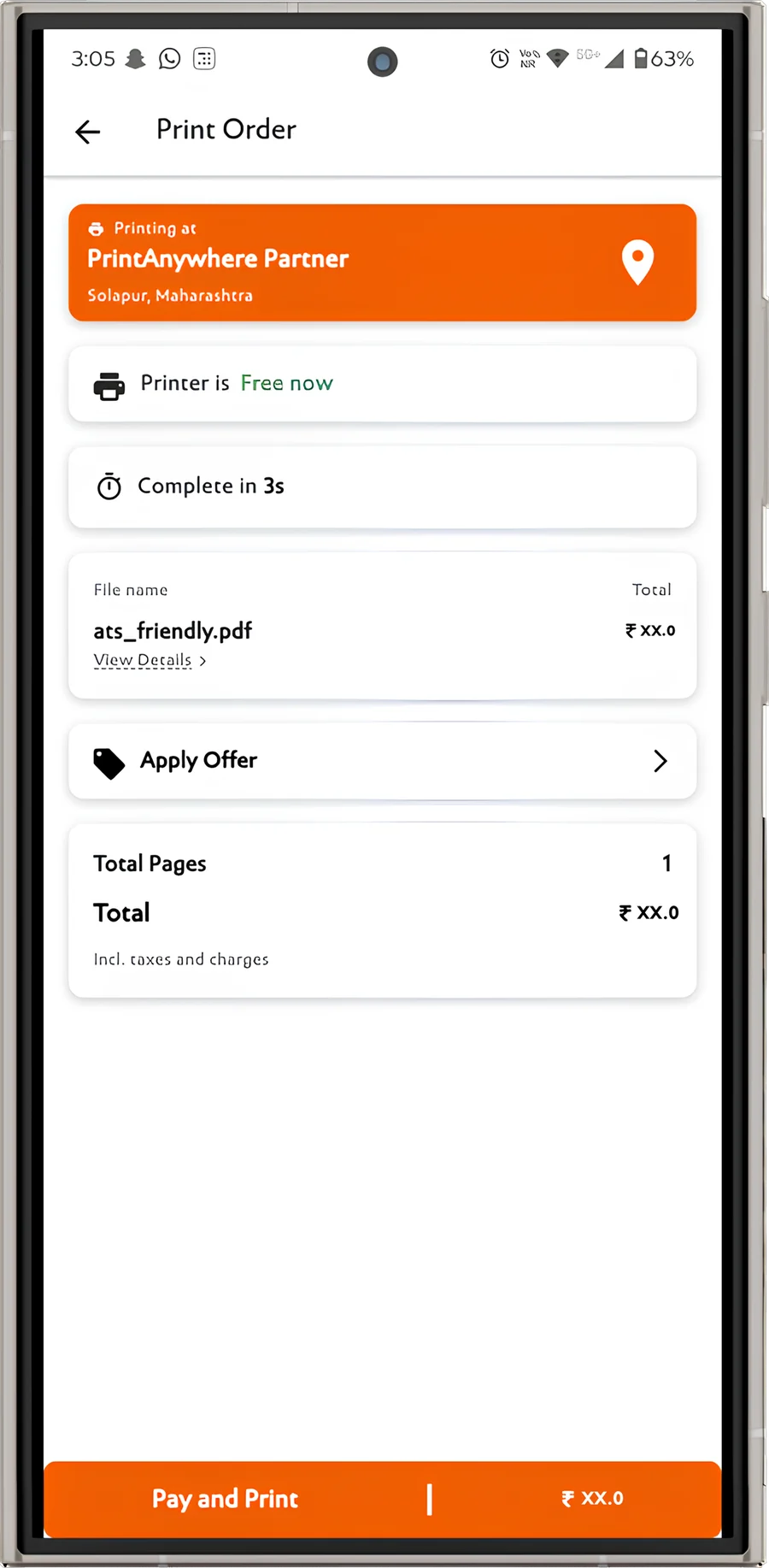
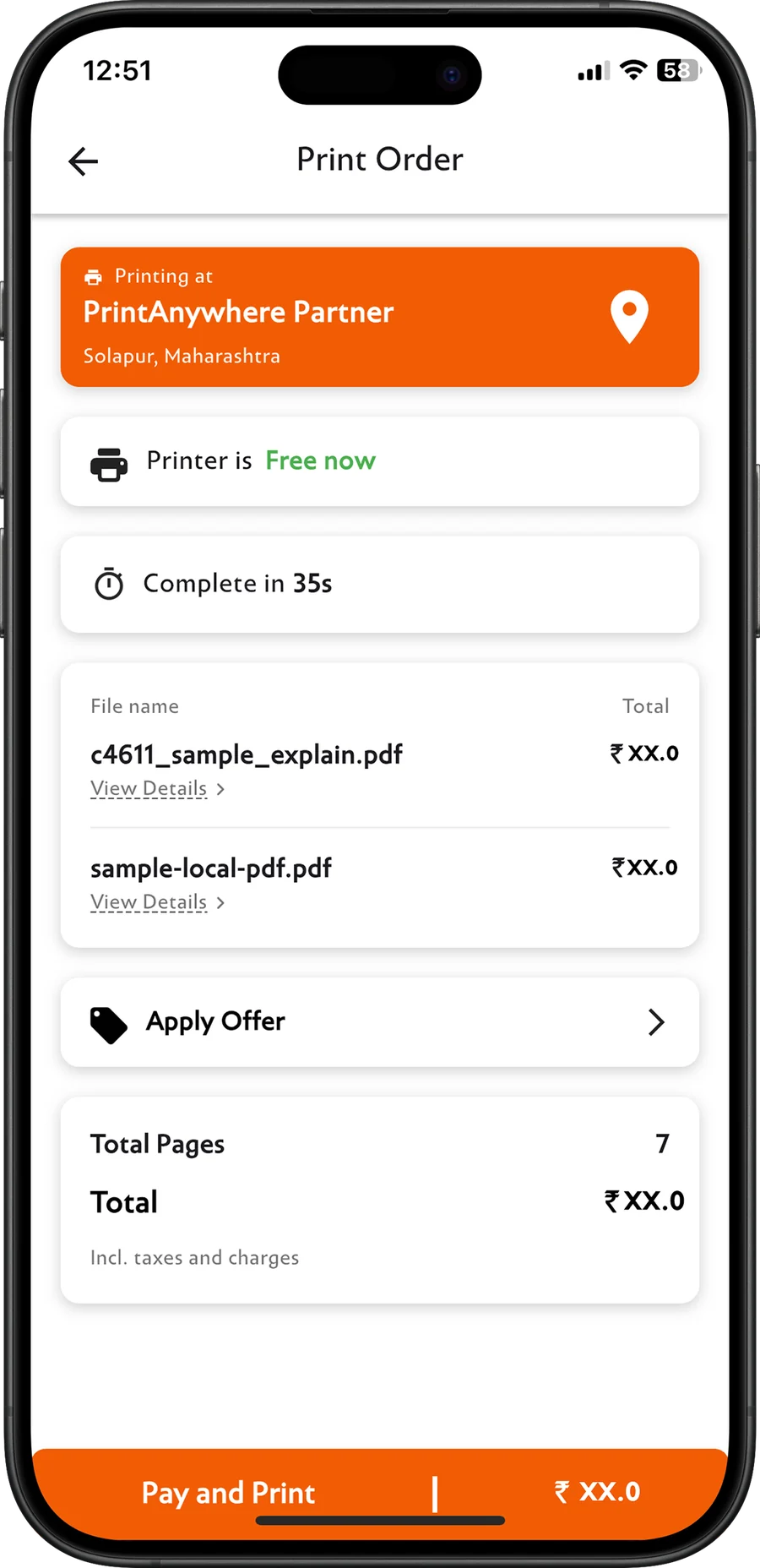
Own a xerox shop? Get paid jobs while you serve the counter
PrintAnywhere sends paid, pre-configured jobs straight to your printer. No chasing payments, no retyping settings, no WhatsApp back and forth.
- More customers. Students and professionals nearby find your shop in the app and on this site.
- Paid before printing. Every job is paid online before it reaches your printer, with clear settlements.
- Nothing new to buy. A small Windows program connects the printers you already have. We help you set it up.